
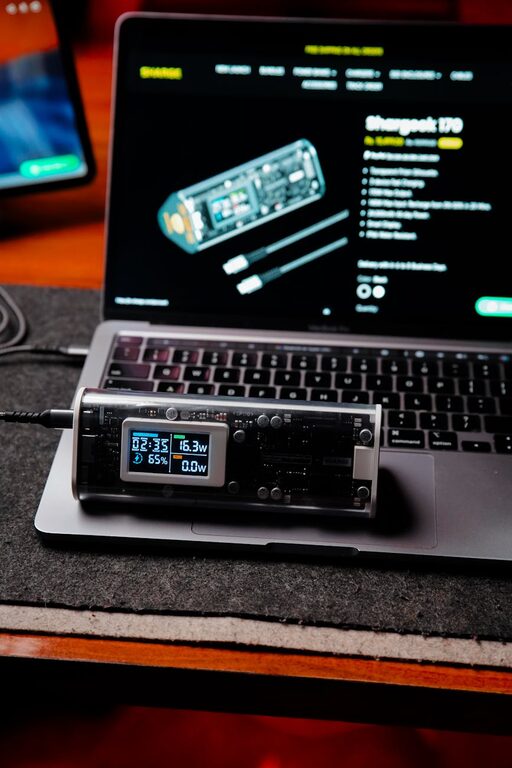
Setting up a dedicated charging station for your devices can help reduce clutter, keep your devices organized, and ensure everything is powered up and ready to go. Whether you have smartphones, tablets, smartwatches, or other rechargeable gadgets, having a central charging hub makes daily life easier. In this post, we will guide you through the process of creating a convenient charging station step-by-step.
Why Set Up a Charging Station?
With the growing number of devices we use, cords and chargers often get scattered across rooms, creating a tangled mess. A charging station brings order by providing a designated spot where you and your family can quickly charge devices. Benefits include:
– Keeping cables and devices organized
– Reducing clutter and preventing lost chargers
– Improving safety by minimizing exposed cords
– Ensuring devices charge fully and are easy to find
Choosing the Right Location
The first step is deciding where to place your charging station. Some popular options include:
– Entryway or hallway table: Convenient for charging devices as you come and go.
– Living room shelf or side table: Central spot to keep devices charged during the day.
– Bedroom nightstand or dresser: Ideal for overnight charging.
– Home office desk: Convenient for work-related devices.
Look for a spot near power outlets and with enough space to accommodate all your devices plus charging accessories.
What You’ll Need
To set up an efficient charging station, gather these essentials:
– Power strip or multi-port USB charger: A power strip with surge protection or a multi-port charger provides several outlets and USB ports in one location.
– Charging cables: Collect the appropriate USB cables for your devices (USB-C, Lightning, Micro-USB).
– Dock or stand (optional): Use a device dock or stand to hold phones and tablets upright while charging.
– Container or organizer: Boxes, trays, or baskets to keep cables tidy and separate chargers.
– Labeling (optional): Labels can help identify cables and keep things organized.
Step-by-Step Guide to Setting Up Your Charging Station
1. Clear and Clean the Space
Start by clearing any clutter on the chosen surface. Clean the area to ensure a tidy space for devices.
2. Arrange Your Power Sources
Plug your power strip or USB charger into a wall outlet. If your power strip has a long cord, consider securing or hiding it along the wall to prevent tripping hazards.
3. Organize Charging Cables
Separate cables by type and length. Consider using cable ties, clips, or sleeves to manage excess cable length and prevent tangling.
4. Place Device Holders or Stands
If you’re using docks or stands, place them on the station next. These keep devices visible and accessible while charging.
5. Store Extra Chargers and Accessories
Use a container or drawer nearby to store spare chargers and cables. Keeping extras handy helps when guests need to charge devices.
6. Test and Adjust
Plug in your devices to confirm everything charges correctly and fits comfortably. Rearrange as needed for the best access and aesthetics.
Tips for a Functional Charging Station
– Choose Chargers with Multiple Ports: These save space and reduce the number of power strips needed.
– Use Cable Management Tools: Velcro straps, cable clips, or pen holders can keep cables tidy.
– Consider Wireless Charging Pads: If your devices support wireless charging, these pads reduce cable clutter.
– Keep Station Away from Heat or Moisture: Avoid placing the station near windows or heat sources.
– Make It Family-Friendly: Label chargers or designate spots for each family member’s devices.
Maintenance and Upkeep
An organized charging station requires occasional maintenance:
– Regularly check cables and chargers for wear and replace damaged ones.
– Remove unused cables or devices to keep it clutter-free.
– Dust and clean surfaces weekly to maintain a neat appearance.
Conclusion
Creating a charging station for your devices is a simple and effective way to stay organized and keep all your gadgets powered up. With just a few materials and a bit of planning, you can turn any corner of your home into a convenient tech hub. Start small or scale up depending on your needs, and enjoy the ease of a clutter-free charging routine!
Do you have a charging station setup at your home? Share your tips or photos in the comments below!